






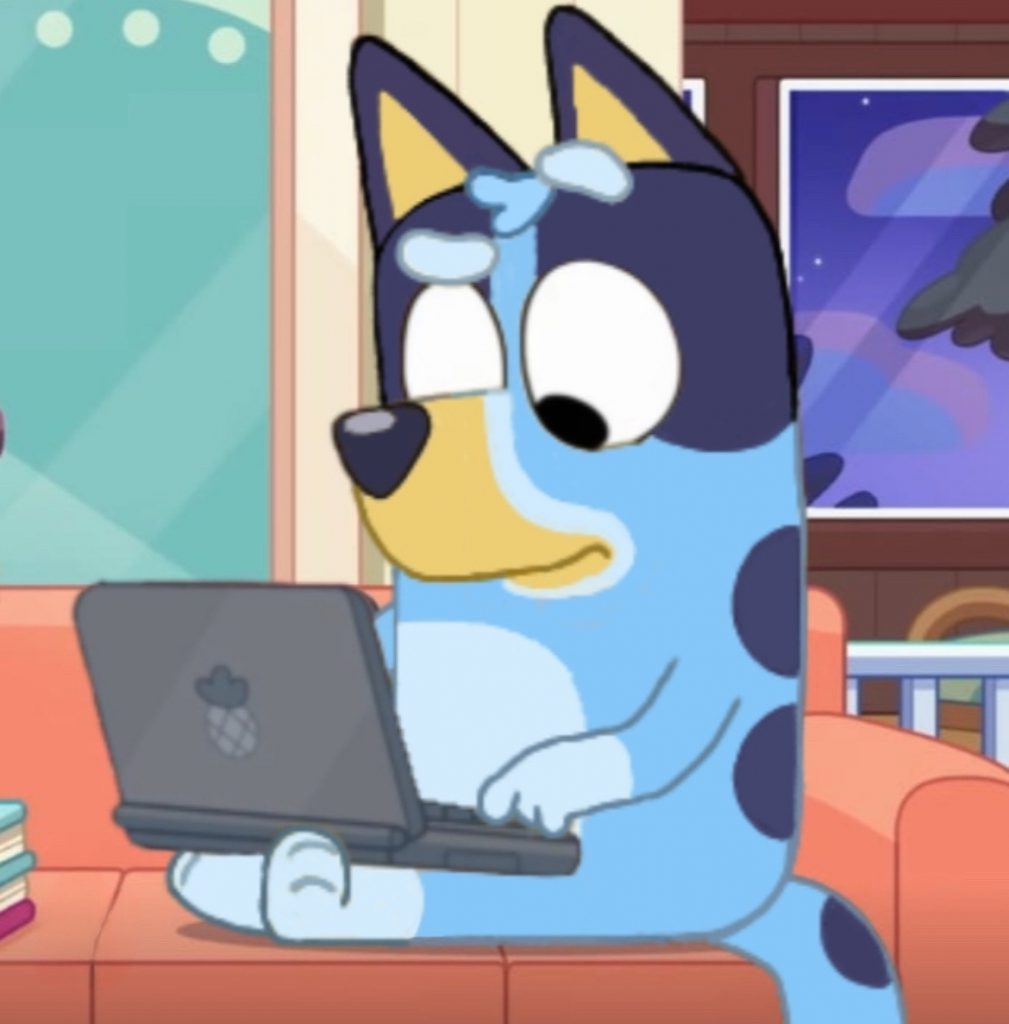
Bluey Learns about Online Safety

Copyright © 2024
Digital Robber: How to protect yourself online
- Name(s): Carrington Tolliver
- Grade Level: Kindergarten
- Technology Standard: K.DL.3.1 : K.DL.3.1 Learn how to protect personal information e.g., username, password
- ISTE Standard: 1.2.a How does the ISTE standard align?: Because digital citizenship means to use our technology wisely and properly. The ways include, making safe decisions online, limiting how much personal information we share to websites etc….
- How the ISTE Standard aligns: Because digital citizenship means to use our technology wisely and properly. The ways include, making safe decisions online, limiting how much personal information we share to websites etc….
- Digital Citizenship Topic: How to safely create a username and password
- Rationale: We can make our username and password how we intend, however it is important to be wise with the information we use and the passwords we create.
- Theme: Bluey learns about online safety
- 10 Facts: Choose a easy to remember user name, create an email, don’t use a name that contains personal info, create a unique and recognizable username, avoid suspected unsafe websites, don’t use too many numbers, check your username availability, Maintain privacy, save your password in a private place, use a password that is not easily guessed.
Bluey was creating his first account online and at first did not know the safety requirements when creating a username and password
He created an online account containing his personal information; Leading to the potential risk of his information being leaked in places he did not expect
In addition to that, He also could become locked out of his account with no way back in.
After Bluey Spoke with Tech Support they educated him about the dangers of his risky actions when he created his account…..
His errors included revealing too much information and giving easy access to his account because of his lack of awareness
But now He can fix them and take preventative measures to keep himself safe online.
What can Bluey do to ensure his privacy is maintained online?
He needs to do 6 things
- don’t use too many numbers as the username will be harder to recognize by even the owner
- check the username availablity
- Maintain privacy
- save your password in a private place
- use a password that is not easily guessed
- Create a Recognizable Username that is exclusive to only the user
How can Bluey protect himself online in the future to avoid exposing his personal information?
It is quite simple He needs to do another 3 things
- a email that he has direct access to
- create a username that is easily to remember but does not contain personal or sensitive information.
- He must also avoid potential or suspected websites that seem unsafe or dangerous
In conclusion, Bluey can now safely explore the internet now that he has taken the necessary actions.
He now:
- Has An account that has a specific username, strong password, and limited information that could be leaked.
- is having so much fun exploring the web without the worry of danger’s online.
As a safety guide remember to always seek guidance on how to be safe online before you begin surfing web!
Published: Oct 18, 2024
Latest Revision: Oct 18, 2024
Ourboox Unique Identifier: OB-1618585
Copyright © 2024

 Skip to content