






AUTOCAD 2D DRAWİNG
by taha peçe
Copyright © 2020
AUTOCAD 2D DRAWİNG

Copyright © 2020
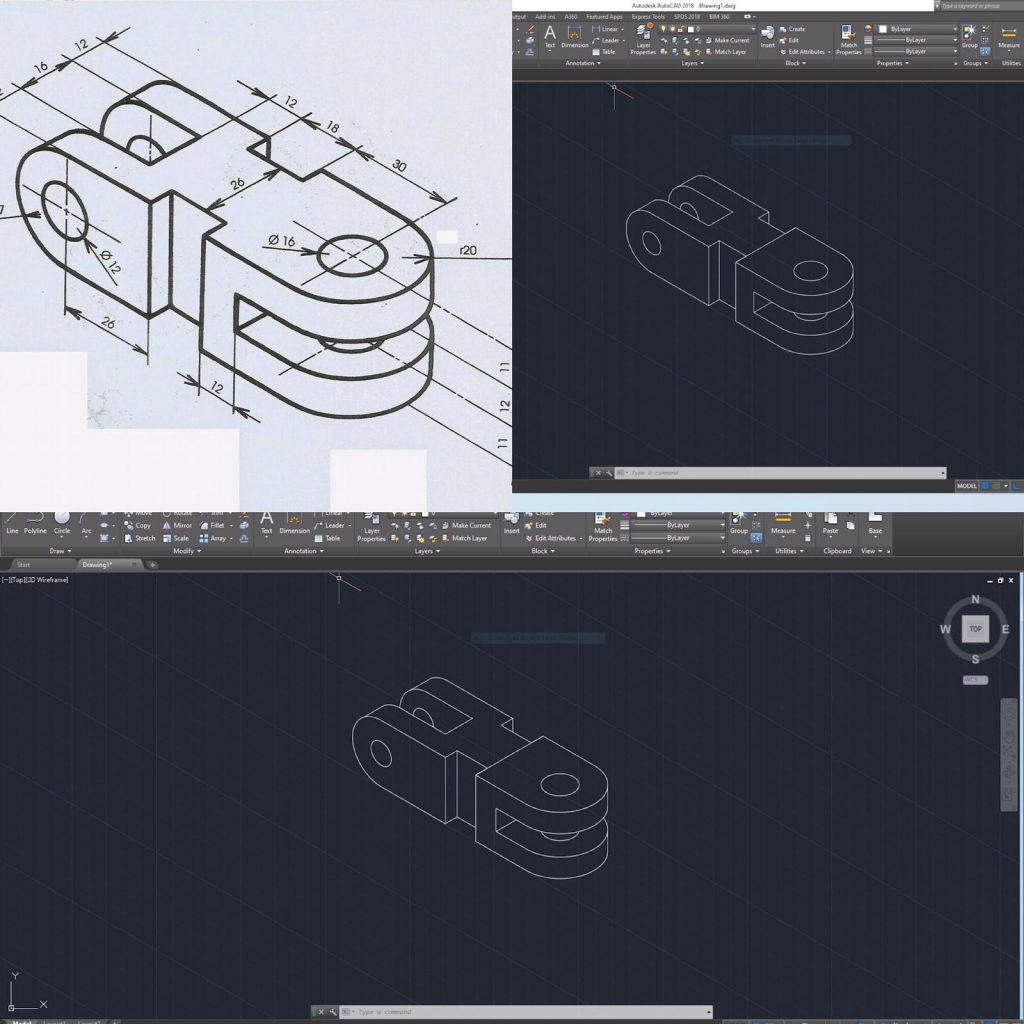
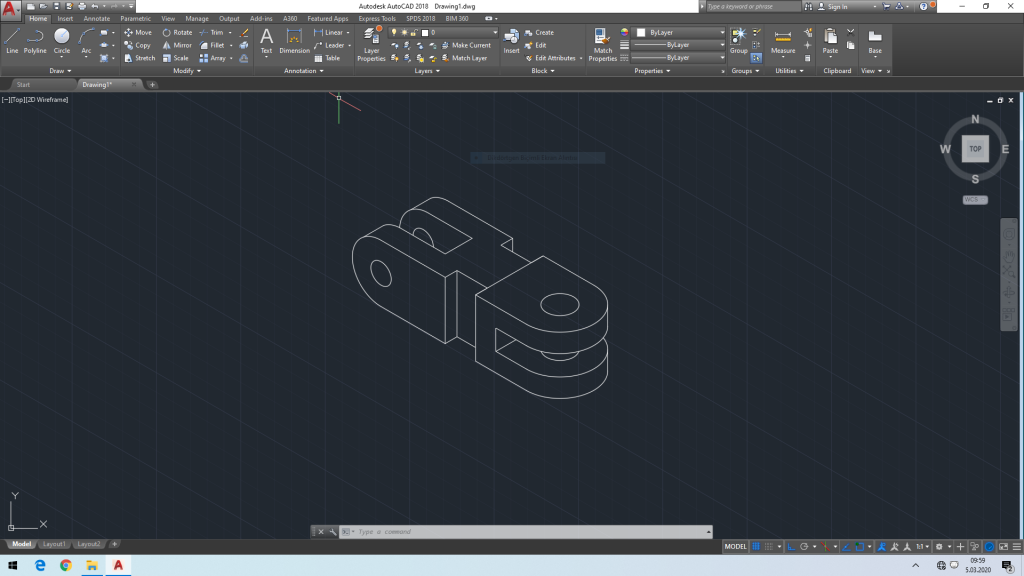
We open the Autocad program, select the isometric snap command from snap mode and press the arrow key. Then we select our direction from the isoplane command, we use the f5 key to change the direction of our direction. We draw straight lines with the line command, circular lines with the ellipse command and we finish our drawing. We save it from the “Save” command.
2
Published: Mar 12, 2020
Latest Revision: Mar 12, 2020
Ourboox Unique Identifier: OB-746032
Copyright © 2020

 Skip to content