






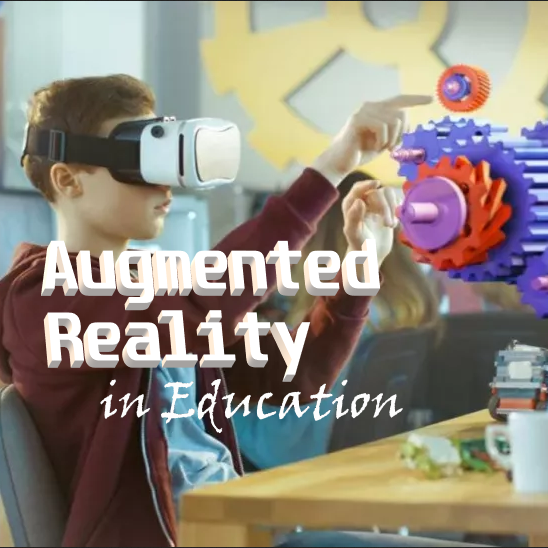
Augmented Reality in Education

Copyright © 2022
Augmented Reality (AR)?
“Augmented Reality is defined as the technology and methods that allow overlaying of real-world objects and environments with 3D virtual objects using an AR device, and allow the virtual to interact with the real-world objects to create intended meanings.” (What is augmented reality, 2022).
Instead of creating an entirely virtual world to explore, as video games and other software allows us to do, augmented reality allows us to add virtual objects to existing environments that would otherwise be too difficult, expensive, or impossible to do in reality.
Why use AR in Education?
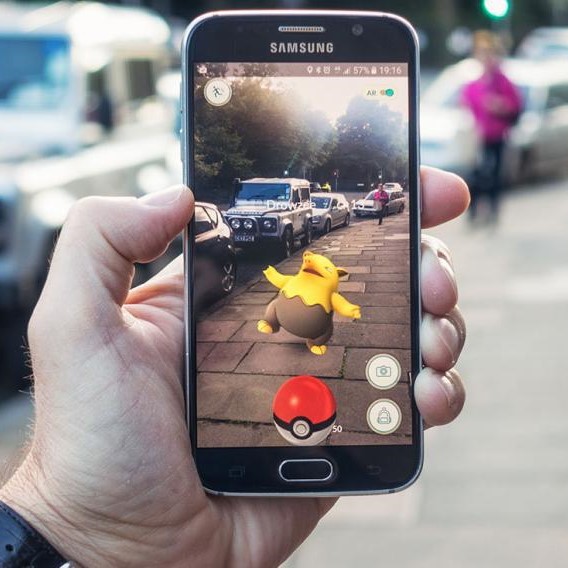
“In my experience, students’ engagement increases when they create experiences in AR to demonstrate their understanding of a particular concept or standard. When students use augmented reality during a lesson, they want to dive into the content and don’t want to stop learning or exploring. They’re more willing to use critical thinking, problem-solving, and communication skills to explore the lesson or activity.” (Danhoff, 2021).
Augmented reality provides a unique opportunity to access hands-on activities that may not be available to students. Whether it be financial issues, safety concerns, transportation restrictions, or simply a situation outside the realm of possibility (e.g. viewing a radioactive element, observing nuclei, or working with a virtual cadaver), augmented reality opens up the possibilities of what is available to students.
Types of Augmented Reality
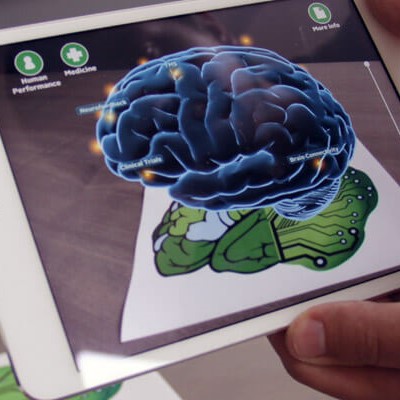
Depending on your needs and setup, AR differs in how images and objects are superimposed upon the reality you are observing. The types of AR can be summarized into four categories:
- Marker-less
- Marker-based
- Projection-based
- Superimposition-based
(What is augmented reality, 2022).
Marker-Less
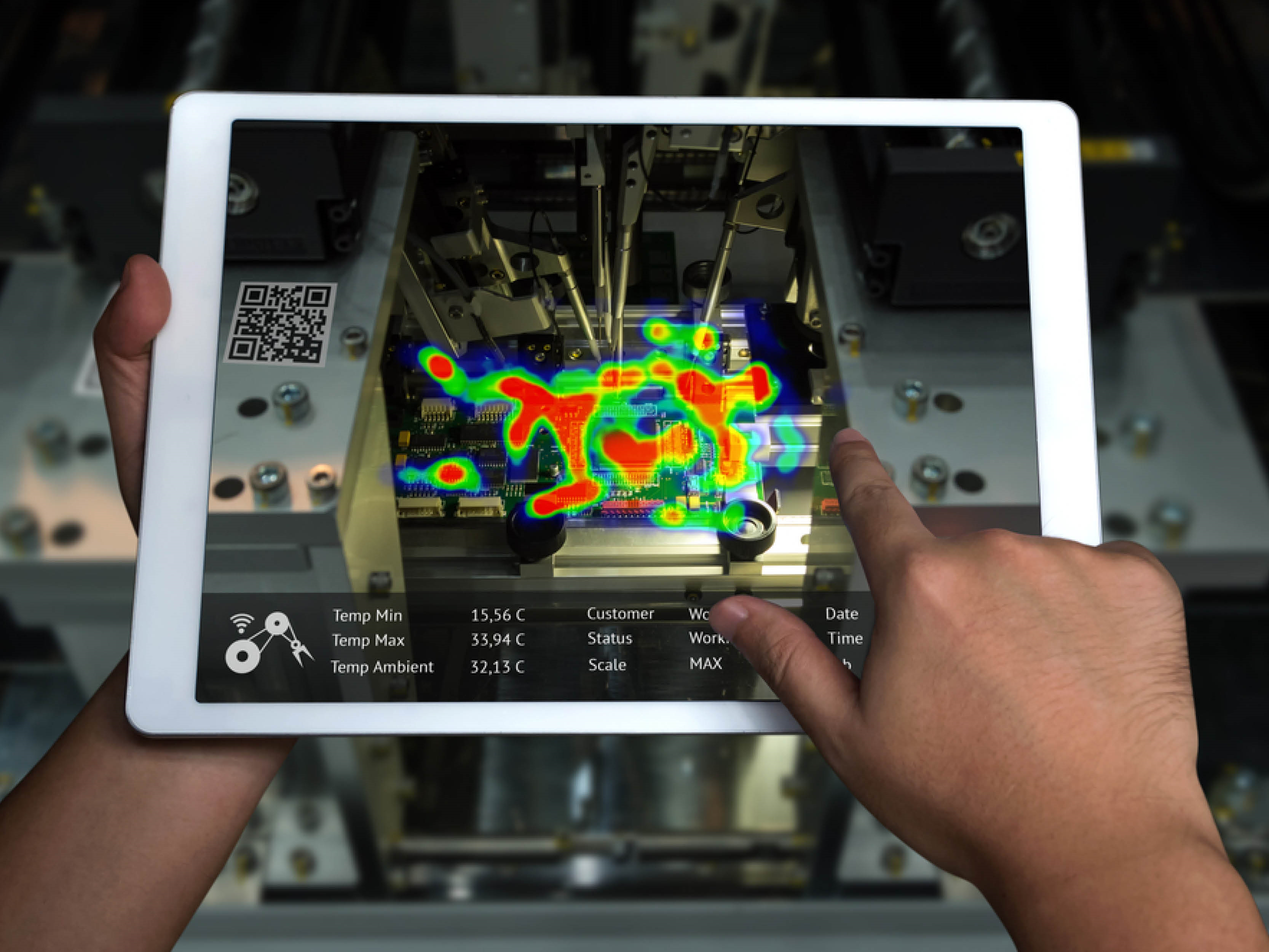
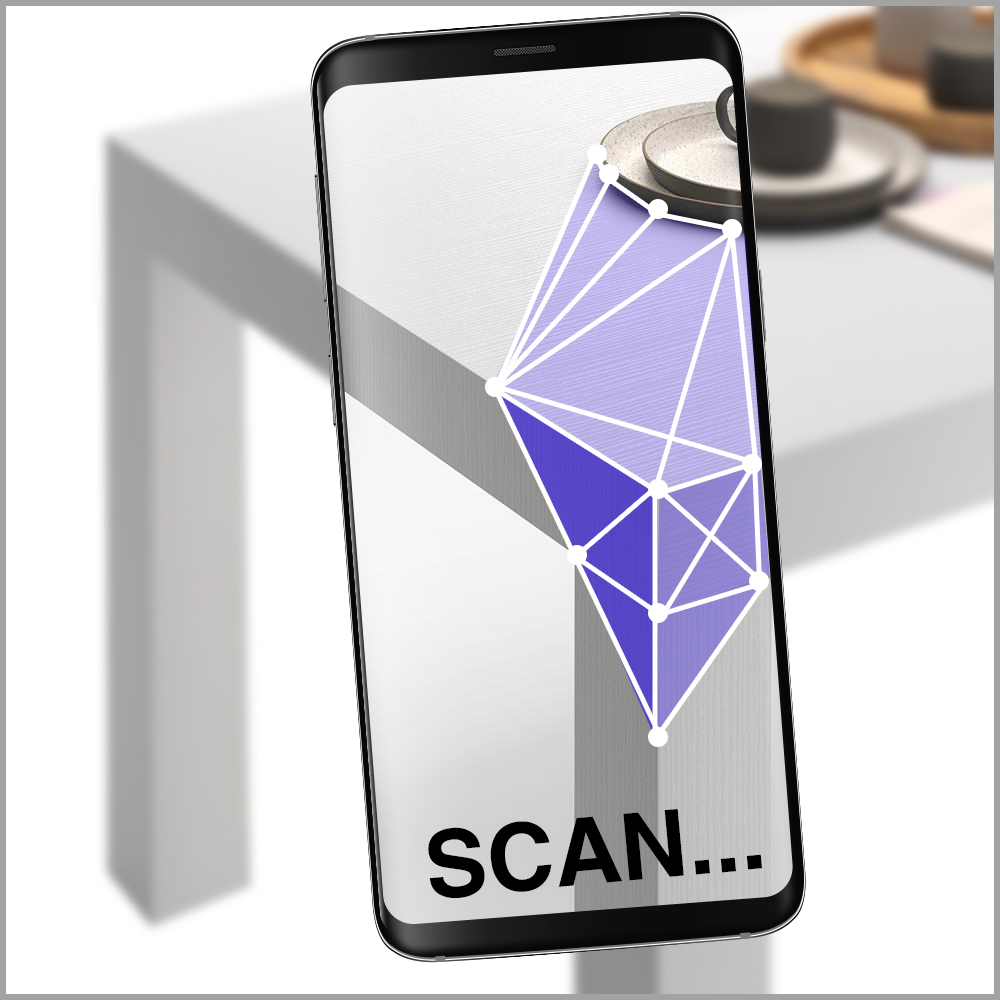
This type of augmented reality is what the vast majority of the population is accustomed to with the explosion in popularity of Pokemon Go! Instead of searching for a specific object to place the superimposed digital render onto, marker-less augmented reality used a concept called SLAM,
“simultaneous location and mapping which helps to place the AR overlay wherever we want as long as the surface is a flat surface. Hence, we would need our camera to be able to recognize the flat surface. Thus, for computer vision to help identify the flat surface better, it should have a bit of texture. Hence, we cannot usually use markerless AR on monochromatic surfaces.”
Vossle (2021, January 2). The difference between marker based & markerless augmented reality. https://vossle.medium.com/the-difference-between-marker-based-markerless-augmented-reality-5d294ebccb76
Marker-Based
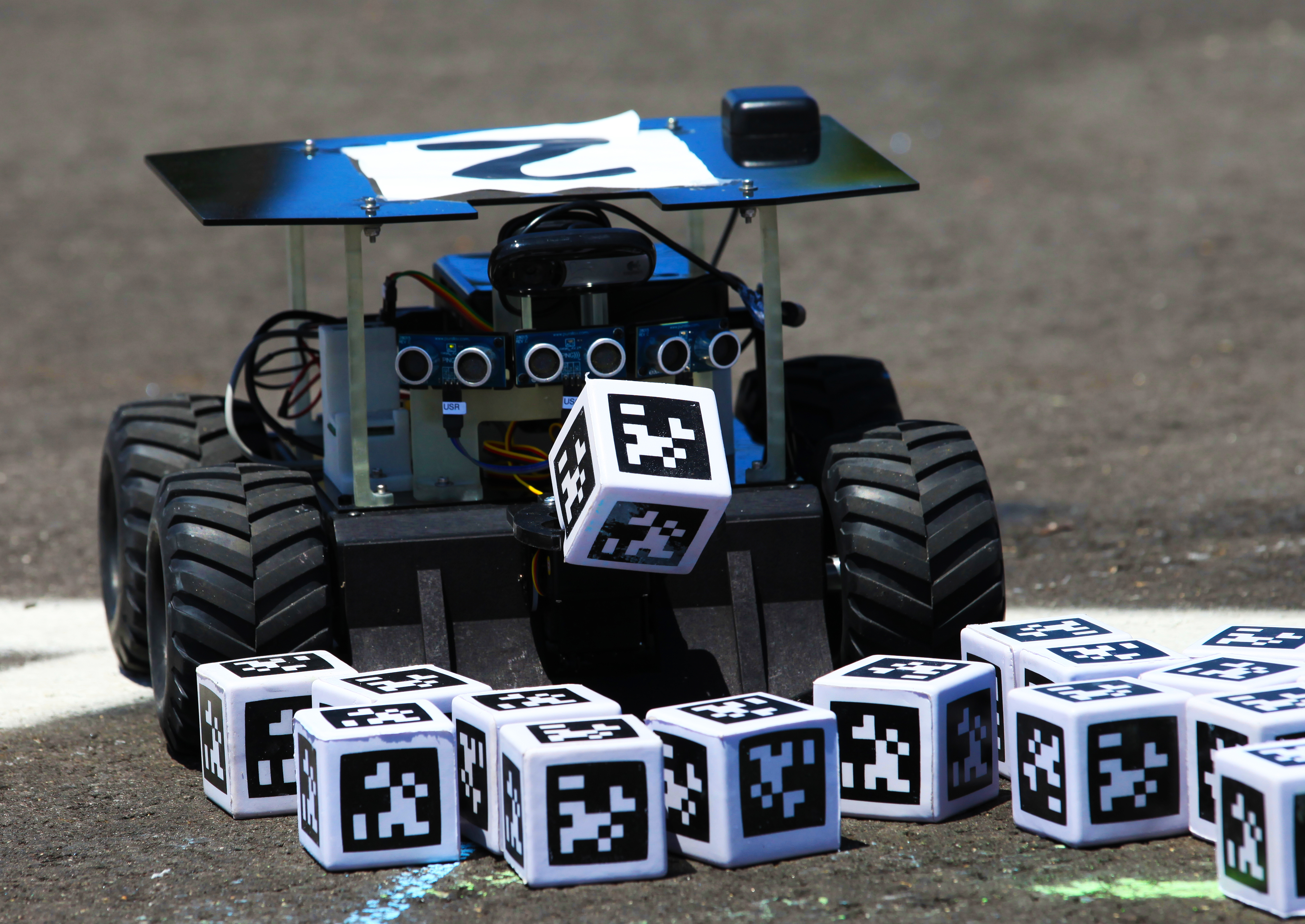
Marker-based augmented reality relies on some sort of real object, like a picture, to orient the digital superposition. The FIRST Robotics Competition implemented Apriltags into their programming API for the 2023 season to allow high school students to track objects on the play field more precisely with cameras.
Projection-Based
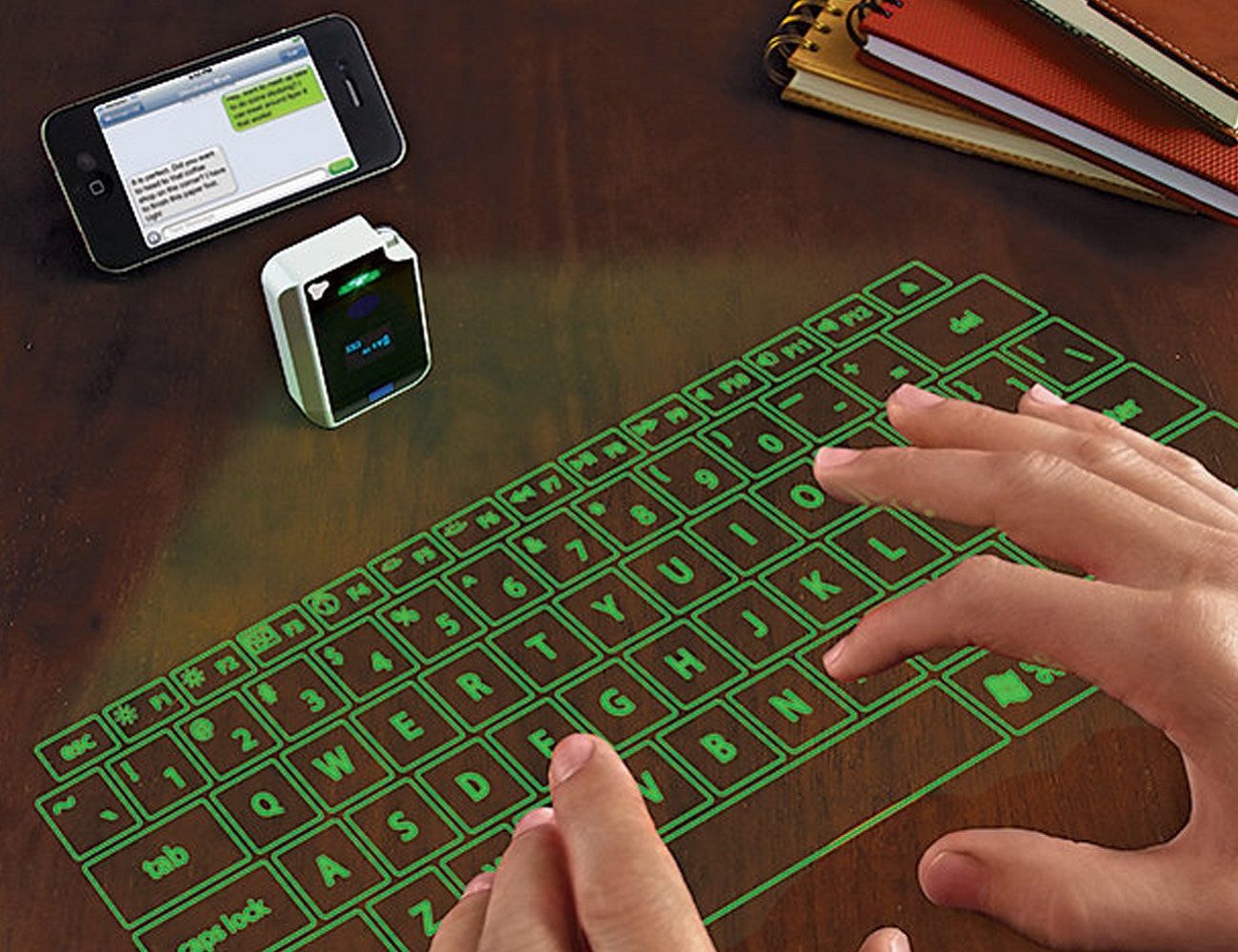
Other types of augmented reality rely on devices to view the digital render, whereas projection-based uses light to project the image that can be interacted with onto surfaces. One of the earliest applications of this technology was an augmented reality keyboard. Users could forego carrying a large keyboard, or using the small one provided by smartphones, and could instead project it onto a surface to use.
Superimposition-Based
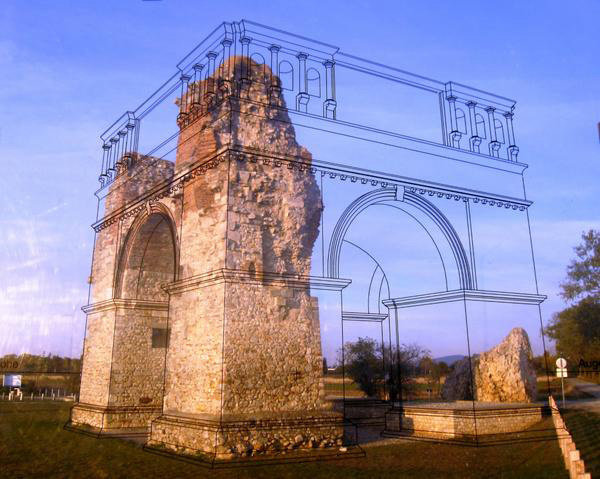
As the name implies, this type of augmented reality superimposes an image over an existing object. Whether it be partially or completely, it offers a unique perspective on real objects.
Educational AR Applications
- Google Lens – A free application available for free on both the App Store and Google Play. Use your camera to identify natural phenomena, get help with homework problems, translate text, and generally search anything that you can take a photo of. While it may not be perfect (there were a few quirks even with a picture of a brand), it is free and can offer you a great way to help students discover and explore.
- Halo AR – Another free application that works impressively with only small hurdles to overcome. Using your own markers (see previous page) in your classroom, you can add augmented reality to place images, 3D objects, or videos for your students to discover. An excellent application that can make tedious tasks exciting.
- Tracing Projector – (Apple only) A fairly simple application that allows students to take pictures and use pseudo projection-based augmented reality to trace their pictures through their phone. The poor reviews online all indicate that the users misunderstand what the application is capable of. For its intended purpose, it works well and could be useful in art class or general creative assignments.
4. Assemblr EDU – A free application through the App Store and Google Play that allows teachers to create their own AR experience. The learning curve is a bit steep as you are developing 3D objects, but the templates provided do a little bit to help. Since there are so many other applications available, this may be something that is left to technology teachers who have the time to develop curriculum.
5. AR Solar System – Available on Google Play that simply allows students to project a solar system or planet onto a marker the teacher can print previously. Incredibly easy to use and requires only a few button presses before it is ready to go. Even without the marker, I was able to get the solar system projected onto a table surface.
Published: Dec 4, 2022
Latest Revision: Dec 4, 2022
Ourboox Unique Identifier: OB-1392641
Copyright © 2022

 Skip to content