






The Computer Mouse🖱
by ToharHadad
Copyright © 2020
The Computer Mouse🖱

Copyright © 2020
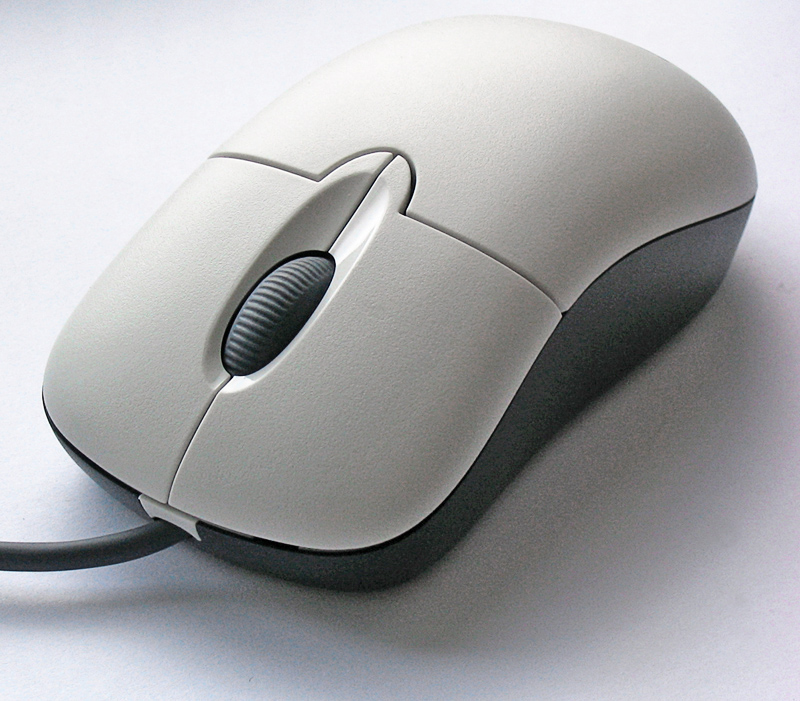
THE COMPUTER MOUSE:
The computer mouse is a hand-held pointing device that detects two-dimensional motion relative to a surface.
This motion is typically translated into the motion of a pointer on a display, which allows a smooth control of the graphical user interface of a computer.
We’re using this mouse almost every time we’re using our computer.
We can say that the mouse became a part that of our daily usings.
3
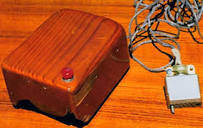
THE HISTORY OF THE MOUSE:
The first public demonstration of a mouse controlling a computer system was in 1968 and It was invented by Douglas Engelbart.
The mouse was just a tiny piece of a much larger project, started in 1962, aimed at augmenting human intellect.
At the time of the invention of the mouse, Engelbart had already been exploring possible ways for people to increase their capability to solve complex problems for almost a dozen years.
So do you want to know why the inventor called It a “MOUSE”? follow me to the next page.
5
THE NAME “MOUSE”:
The earliest known publication of the term mouse as referring to a computer pointing device is in Bill English’s July 1965 publication, “Computer-Aided Display Control” likely originating from its resemblance to the shape and size of a mouse, a rodent, with the cord resembling its tail.
6
COMPUTER MOUSE’S TODAY:
Now days we’re using the mouse for almost everything on our computer.
For example: Gaming, Editing Or Creating stuff.
At the past people we’re using the mouse’s just to surf on the internet and reach some of the “apps” In the computer.
Also the design of the new mouse looks so much better then the old one’s.
7
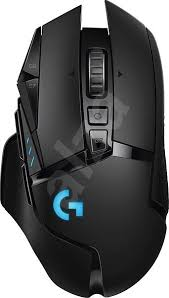
HOW DOES THE COMPUTER MOUSE WORK:
The relative movements of the mouse on the surface are applied to the position of the pointer on the screen, which signals the point where actions of the user take place, so hand movements are replicated by the pointer.
Clicking or hovering can select files, programs or actions from a list of names, or through small images called “icons” and other elements.
For example, a text file might be represented by a picture of a paper notebook and clicking while the cursor hovers this icon might cause a text editing program to open the file in a window.
9
Published: Feb 28, 2020
Latest Revision: Feb 29, 2020
Ourboox Unique Identifier: OB-739969
Copyright © 2020

 Skip to content